
Help Pages
Privacy Policy
At Craftorator, accessible from https://www.craftorator.com , one of our main priorities is the privacy of our visitors. This Privacy Policy document contains types of information that is collected and recorded by Craftorator and how we use it. If you have additional questions or require more information about our Privacy Policy, do not hesitate to contact us. This Privacy Policy applies only to our online activities and is valid for visitors to our website with regards to the information ...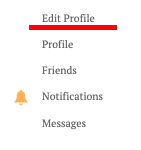
How to delete an account or published posts
Delete Your Account To delete an account, go to your profile (In the left menu, select My profile), then Edit profile, at the bottom of the form for changing personal data there will be a red "Delete profile" button. If you have any difficulties with deleting your account, please write to the moderator or contact technical support . How to Delete a Post To delete a record, you need to go to the record itself, at the top there will be links for editing and deleting a record. If you have an...
Privacy Policy
At Craftorator, accessible from https://www.craftorator.com, one of our main priorities is the privacy of our visitors. This Privacy Policy document contains types of information that is collected and recorded by Craftorator and how we use it. If you have additional questions or require more information about our Privacy Policy, do not hesitate to contact us. This Privacy Policy applies only to our online activities and is valid for visitors to our website with regards to the information that th...
Craftorator Help Center
How to register on the website / create account Site navigation How to create topic
How to create topic
1. Click the button of opening personal menu in the right upper part of the site 2. Personal menu opens 3. Choose "Add topic" Or just follow the link - https://www.craftorator.com/topics/add 4. Form of creating new topic opens 5. State the site section, in which you want to create topic 6. Think of your topic title 7. Type the text of your topic You can insert photos and videos in your topic text How to insert photos: Click the button of...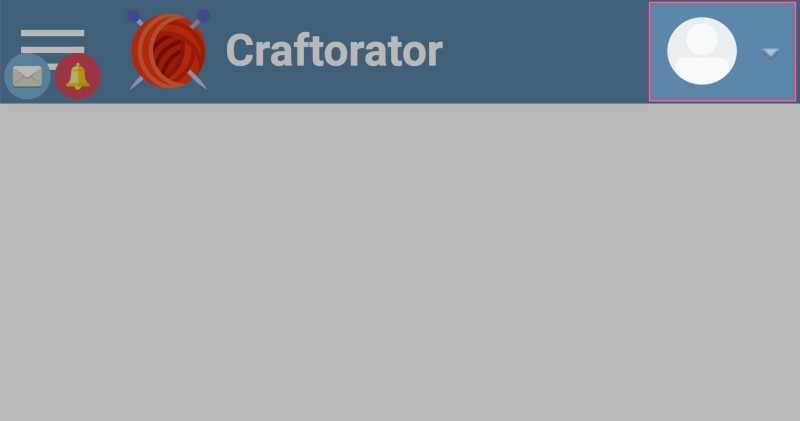
Site navigation
Site navigation for mobile phones Notifications and private messages If you have new private messages or notifications, so the appropriate icons will be displayed on the button of mobile menu opening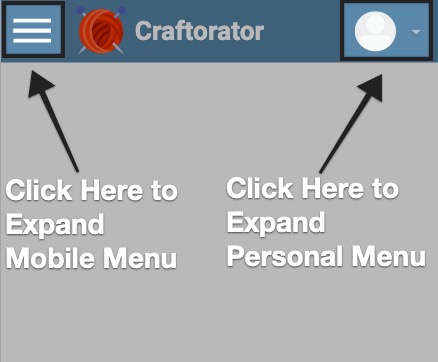
How to register on the website / create account
1. If you want to register on the website, follow the link: https://www.craftorator.com/auth/register There will be a registration form 2. Fill in all the fields in the form: - You need to create a nickname (nickname is your name on the site, pseudonym or your real name). - State your valid email address (you will get the email with the link for your account confirmation on the website). - Create the password for your account. - Repeat the created password (you should t...